
Download DEM from SRTM90 dataset
Written by Men Vuthy, 2022
Objective
Vizualize digital elevation model (DEM) of SRTM90 version 4 from Google Earth Engine.
Download DEM within region of interest (Cambodia).
Dataset
The Shuttle Radar Topography Mission (SRTM) digital elevation dataset was originally produced to provide consistent, high-quality elevation data at near global scope. This version of the SRTM digital elevation data has been processed to fill data voids, and to facilitate its ease of use.

Code
1. Visualize dataset
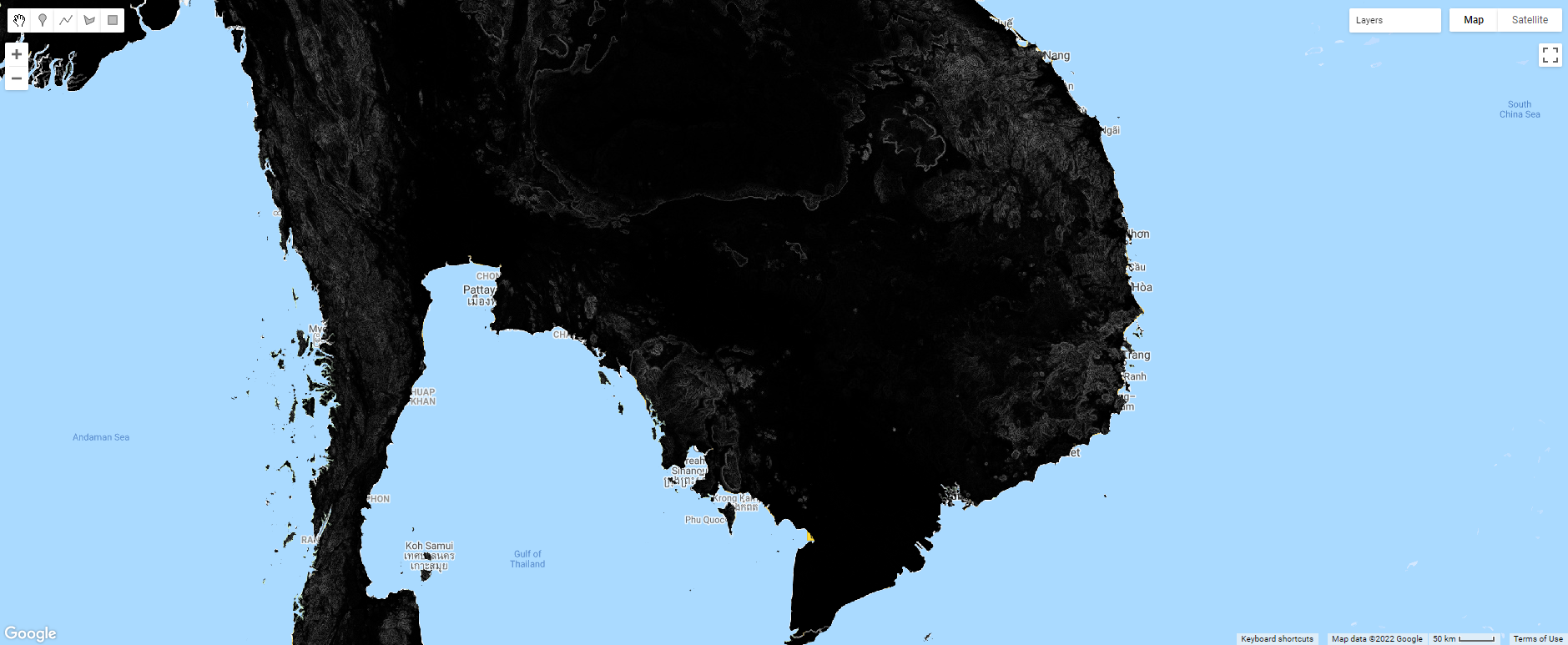
The SRTM DEM dataset can be visualized using the code snippet below:
// Import DEM dataset
var dataset = ee.Image('CGIAR/SRTM90_V4');

// Select bands
var elevation = dataset.select('elevation');

// Calculates slope in degrees from a terrain DEM.
var slope = ee.Terrain.slope(elevation);

// Set center to Cambodia and add slope layer to interactive map
Map.setCenter(105.237, 12.164, 7);
Map.addLayer(slope, {min: 0, max: 60}, 'slope');
2. Download DEM to Google Drive
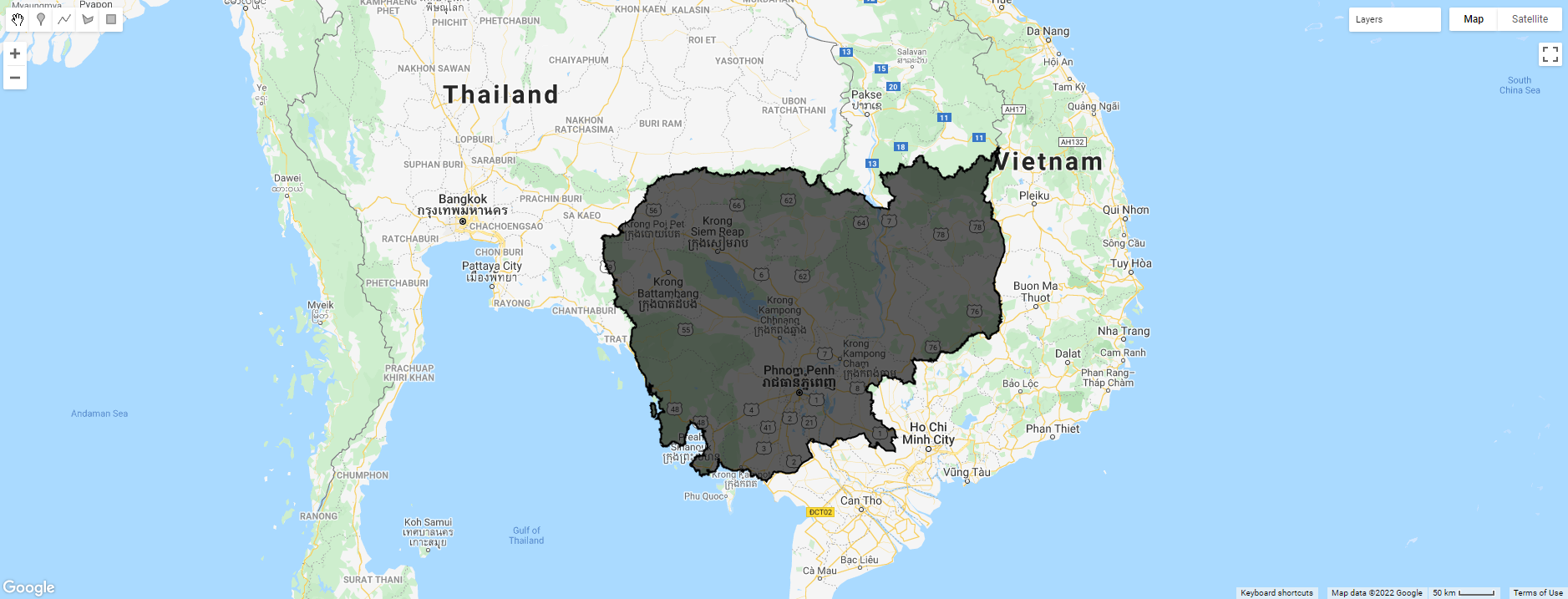
The purpose is to download DEM of Cambodia and export it to google drive in GeoTiff (.tiff). Hence, the feature boundary of Cambodia is based on the international boundary dataset provided by The United States Office of the Geographer. The boundary data is available in GEE and known as LSIB 2017: Large Scale International Boundary Polygons. The country name code can be referred to FIPS country codes.
// Load country features from Large Scale International Boundary (LSIB) dataset.
var countries = ee.FeatureCollection('USDOS/LSIB_SIMPLE/2017');

// Filter boundary to Cambodia with the code name 'CB'
var roi = countries.filter(ee.Filter.eq('country_co', 'CB'));

// Add ROI layer to interactive map
Map.addLayer(roi, {color:'black'}, 'Cambodia');
// Import DEM dataset
var dataset = ee.Image('CGIAR/SRTM90_V4');

// Select band
var elevation = dataset.select('elevation')

// Clip DEM image to the target ROI
var cambodia_dem = elevation.clip(roi);

// Add layer of Cambodia DEM to interactive map
Map.addLayer(cambodia_dem,  {min: 0, max: 50}, 'elevation');

By running below snippet, the Tasks tab will appear a Run button. After clicking that button, the elevation image of Cambodia will be stored in your google drive.
// Export image to google drive
Export.image.toDrive({
image: cambodia_dem,
description: 'Cambodia-DEM',
fileFormat: 'GeoTIFF',
scale: 90,
region: roi
});
Finally, we can see how to download digital elevation model of SRTM90 version 4 from Google Earth Engine.
Reference